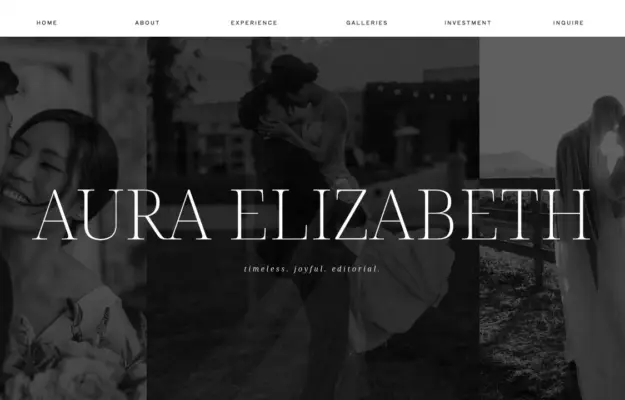
 Desktop + mobile review
Control image brightness behind overlaid type and use the following section for the practical offer.
Visual website builder / 12 verified examples
Discover verified Showit website examples across photography, education and event businesses, with design notes on imagery, typography and clear service journeys.
Desktop + mobile reviewControl image brightness behind overlaid type and use the following section for the practical offer.
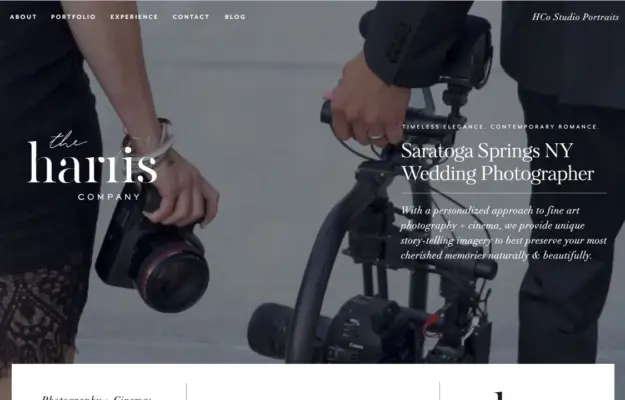 Desktop + mobile review
Use the opening frame to establish both photographic style and the region served.
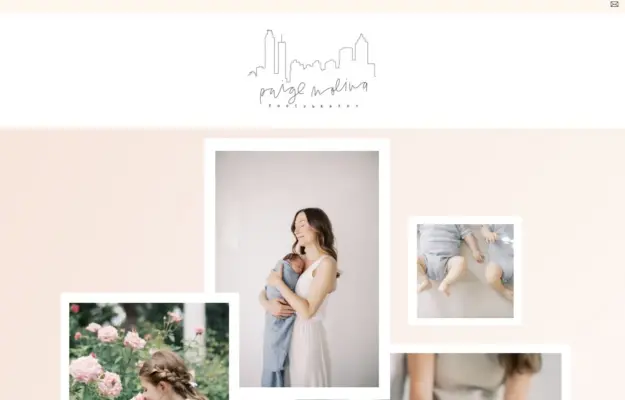 Desktop + mobile review
Use a controlled collage to communicate the range of a photography practice without introducing a busy grid.
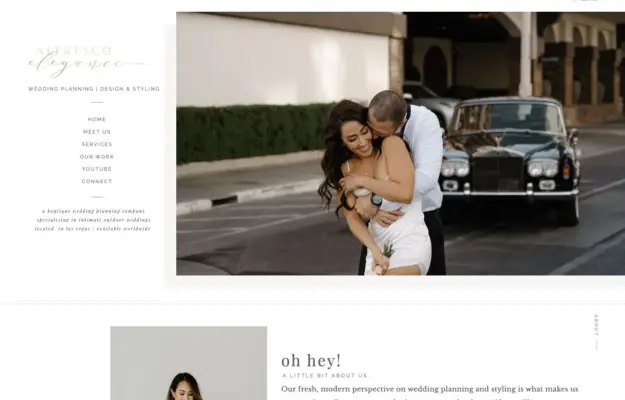 Desktop + mobile review
Pair the service description with an image that demonstrates the intended atmosphere.
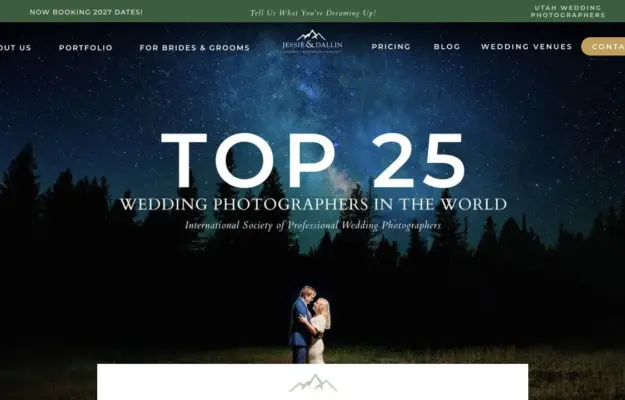 Desktop + mobile review
Pair an atmospheric portfolio image with a short explanation of who the service is for.
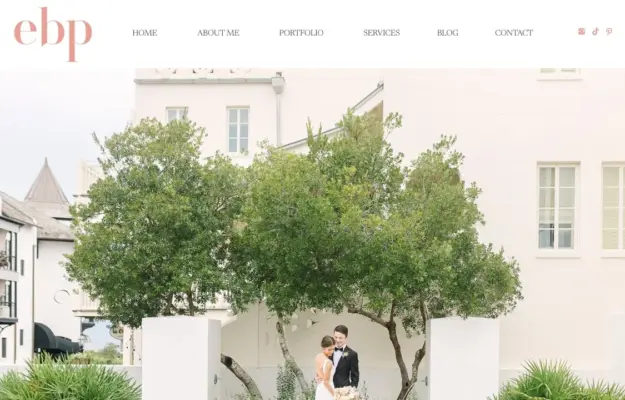 Desktop + mobile review
Follow a strong image with a short statement of the experience clients can expect.
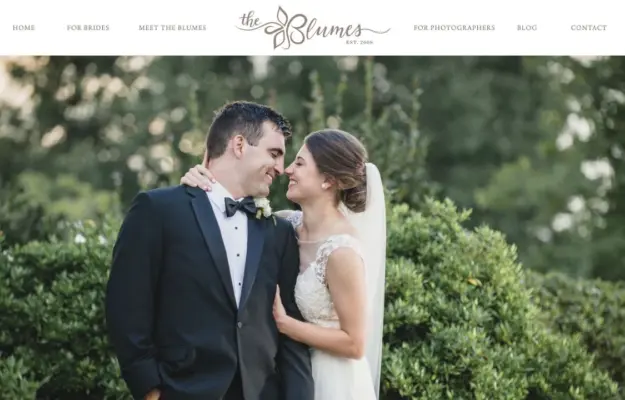 Desktop + mobile review
Use a contained text panel when the hero image has detail across the full frame.
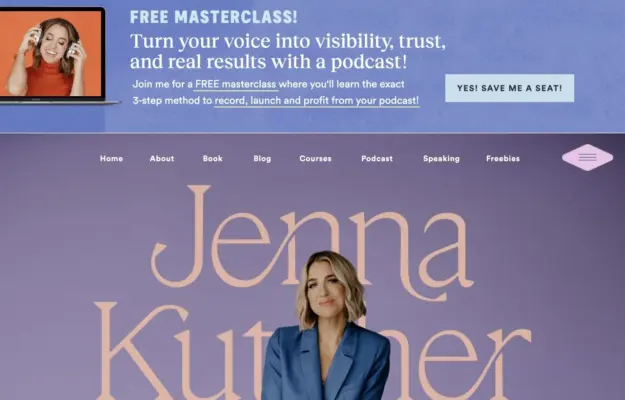 Desktop + mobile review
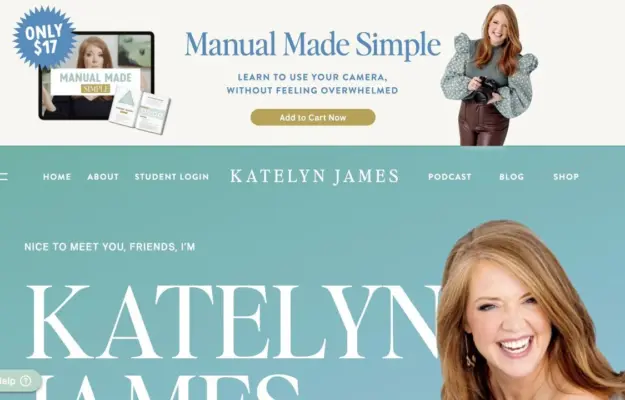
Use clear visual boundaries between a temporary promotion and the enduring introduction.
 Desktop + mobile review
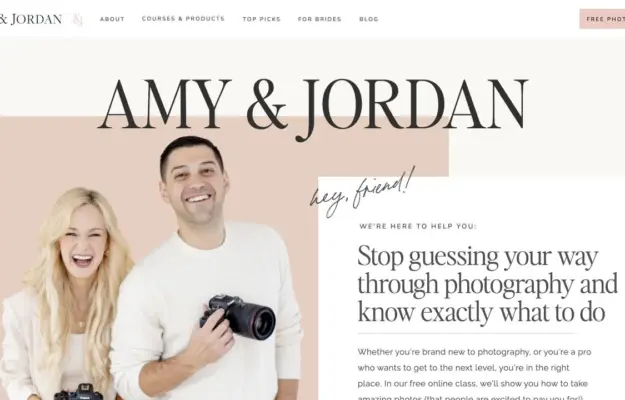
Connect the people behind an educational offer to one explicit starting action.
 Desktop + mobile review
Use a consistent colour field to unite the portrait and positioning statement.
 Desktop + mobile review
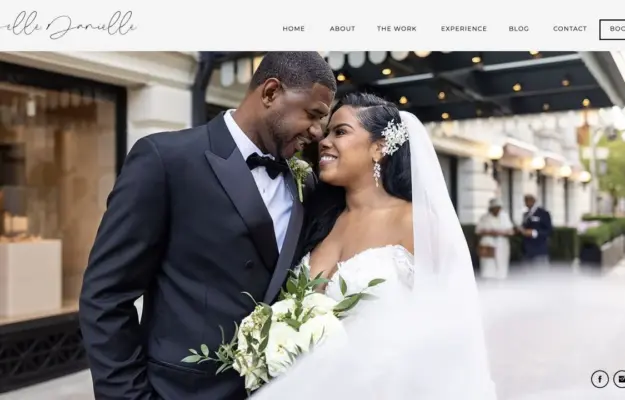
Lead a photography portfolio with the work, then provide a clear introduction and booking route.
 Desktop + mobile review
Use framing and one strong image to establish a portrait studio’s character.
Compare how portraits, portfolio imagery and booking or learning links establish trust. Separate the main visitor task from secondary offers, and make image overlays readable on narrow screens.
Each example loads a Showit engine or renderer and declares Showit document configuration or a Showit design identifier. Showit attribution does not establish a particular template, subscription plan or the platform used by a separately linked blog. Evidence expires after 90 days or a change to the website link. Screenshots may show an earlier design.